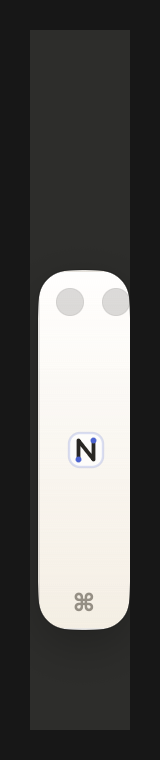
Switch contexts
Clipboard, links, scratch, projects. One tap.
A workspace that docks to the edge of your screen. Notes, tasks, reminders, and a growing plugin rail for stock quotes, event work, image cleanup, Pixel Companion, Teach, and more.
Download for macOS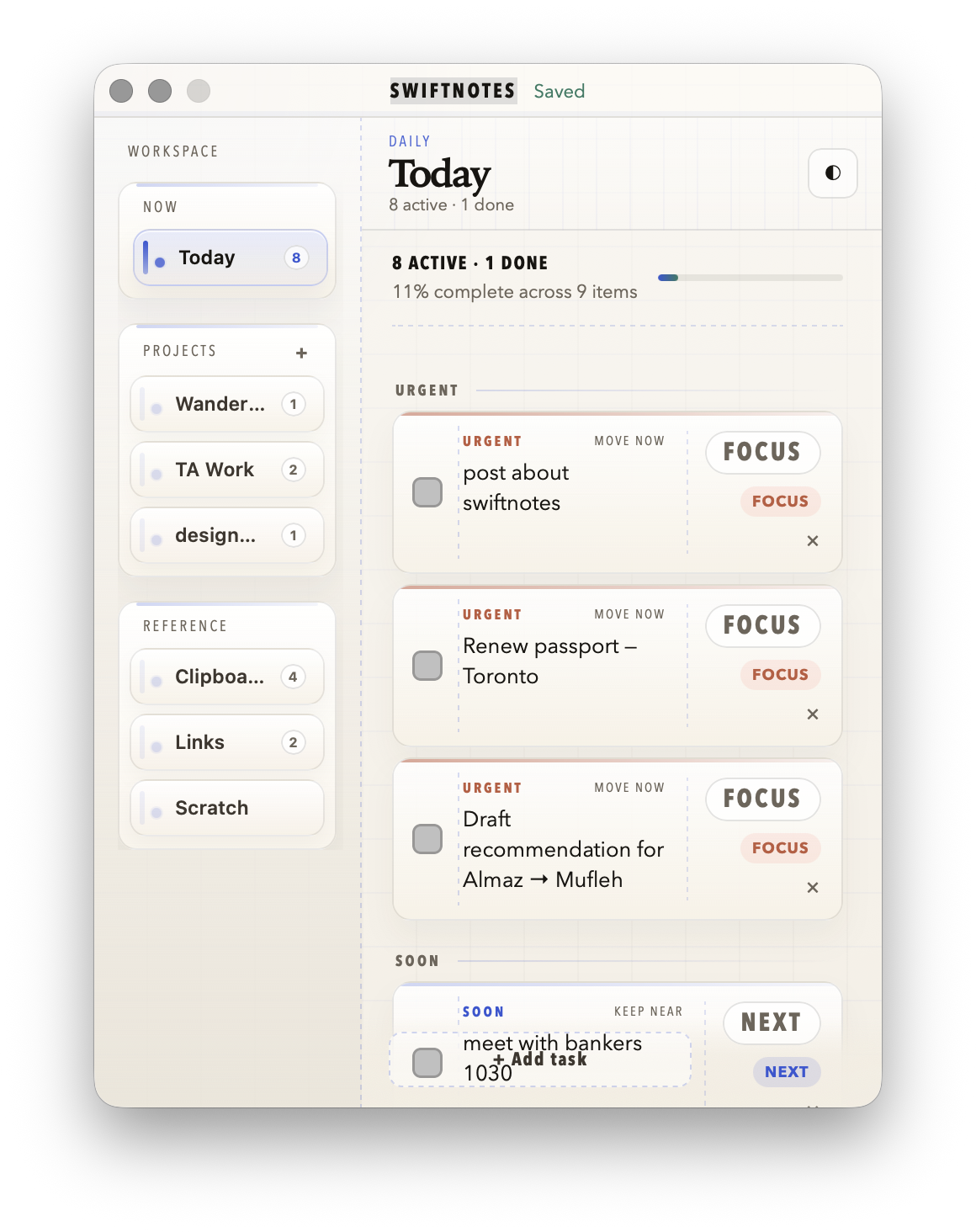
SwiftNotes keeps the small surfaces you reach for near the work: context, capture, reminders, and the dock itself.
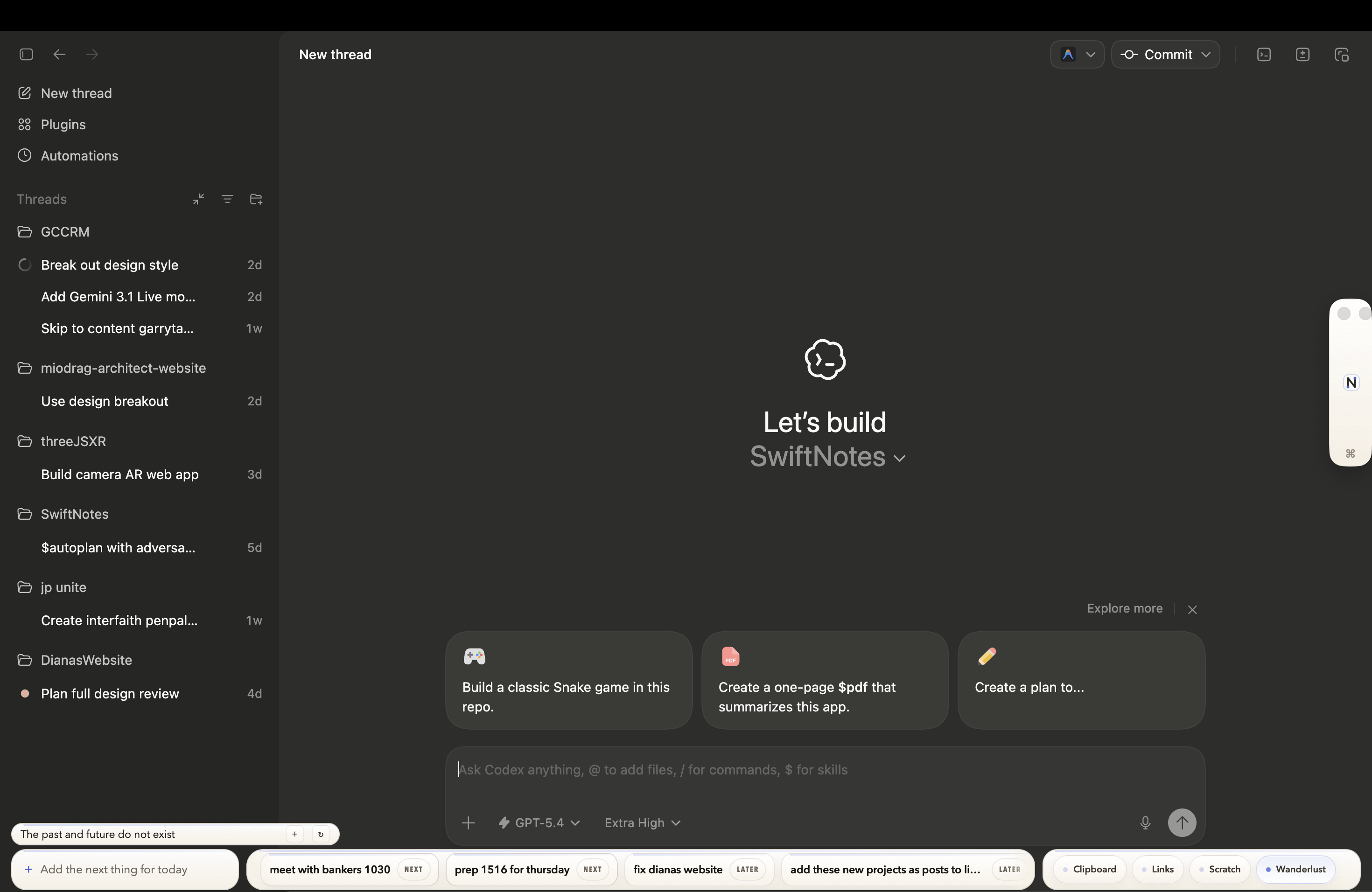
The app includes this chooser: keep the regular layout, or stack the bars on the right when the corner needs to stay clear.
Clipboard, links, scratch, projects. One tap.
A quote, idea, or reminder stays in the ribbon.
Add a task with priority and project without opening a full app.
Hover with Command when you need the full workspace.
Add the pieces your day needs now. The rail can keep growing without making the workspace heavier.


Live quotes in the rail. Edit the watchlist with a double-click.
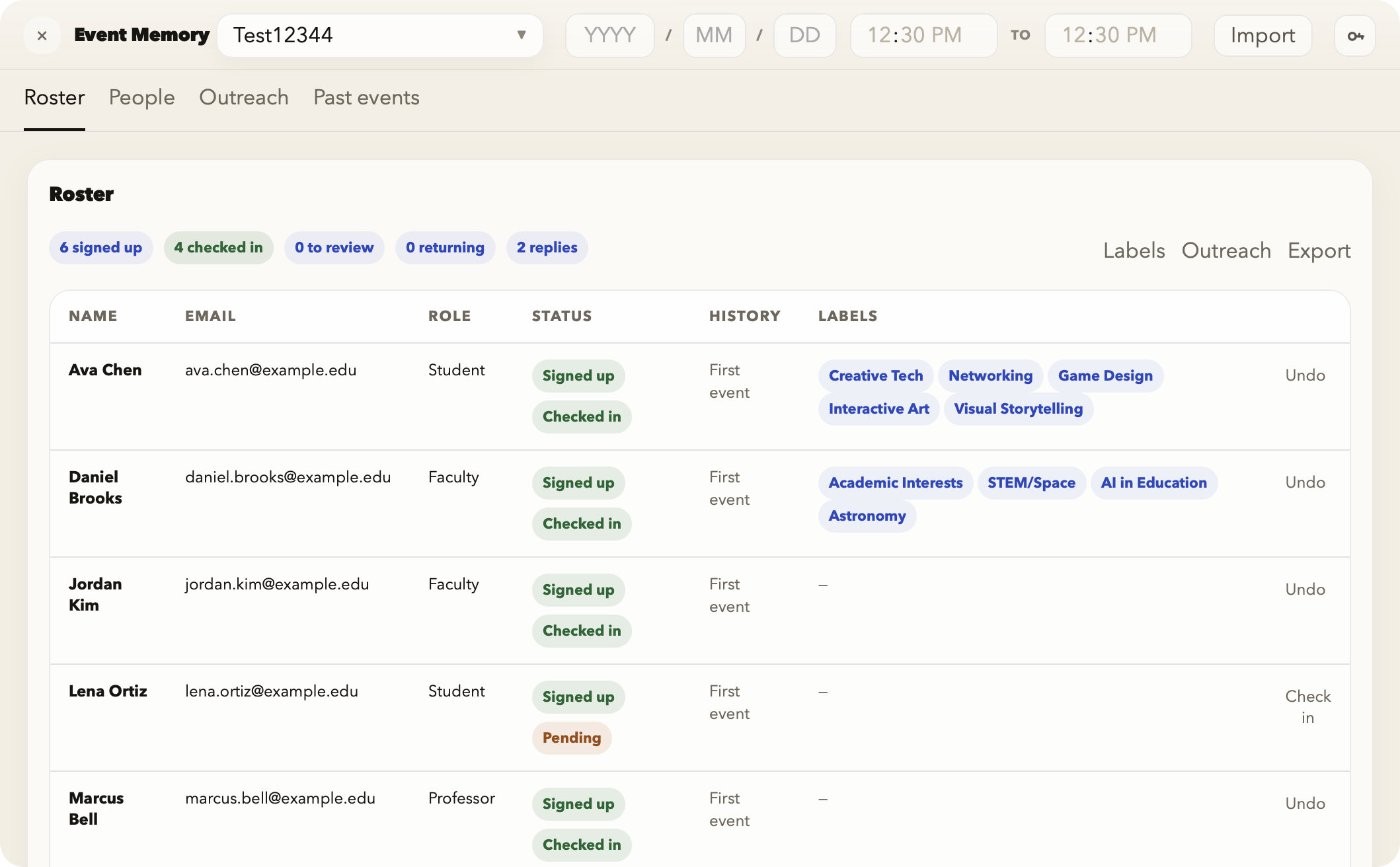
Turn a signup sheet into check-in, labels, outreach, and follow-up context.

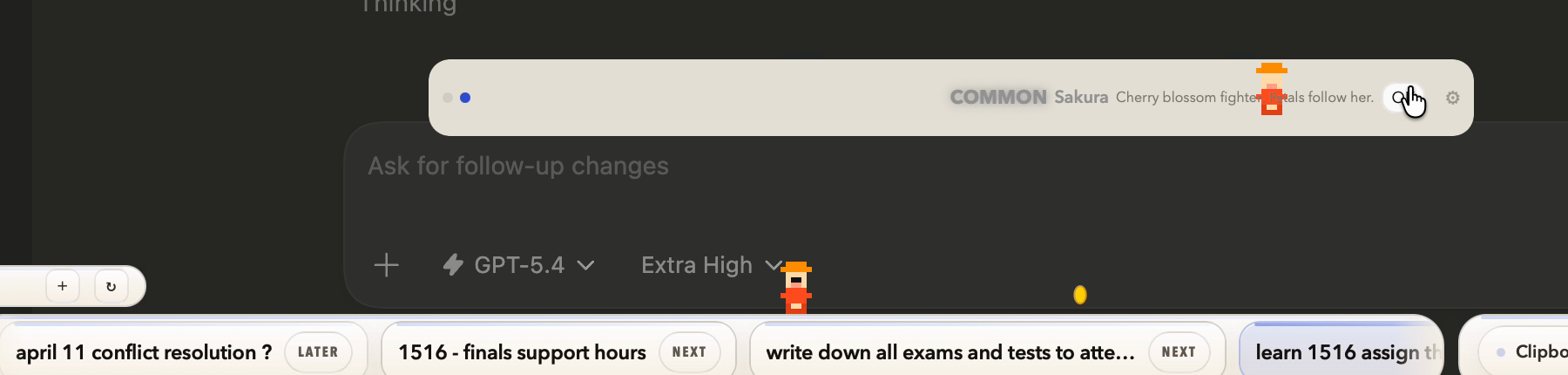
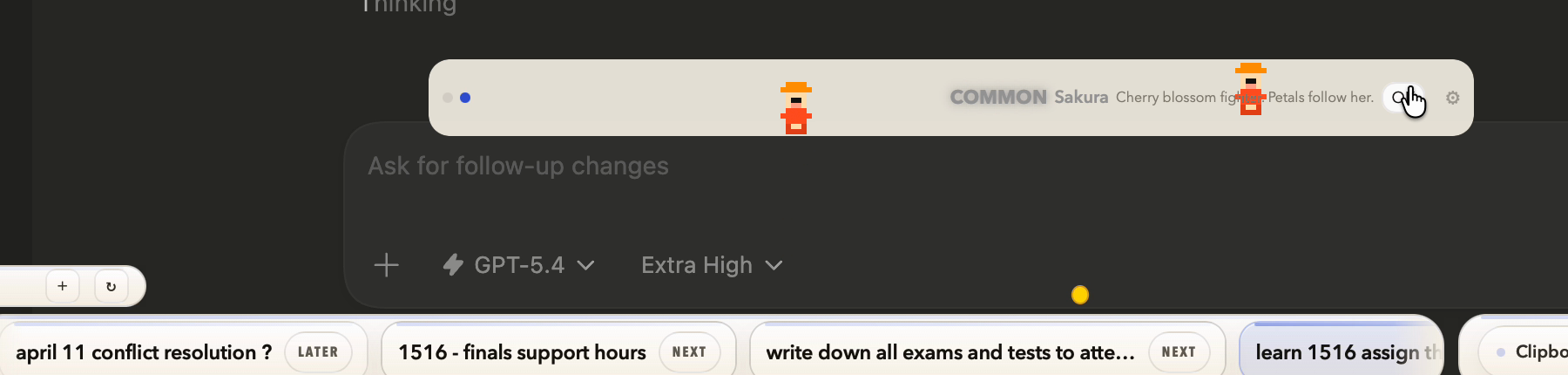
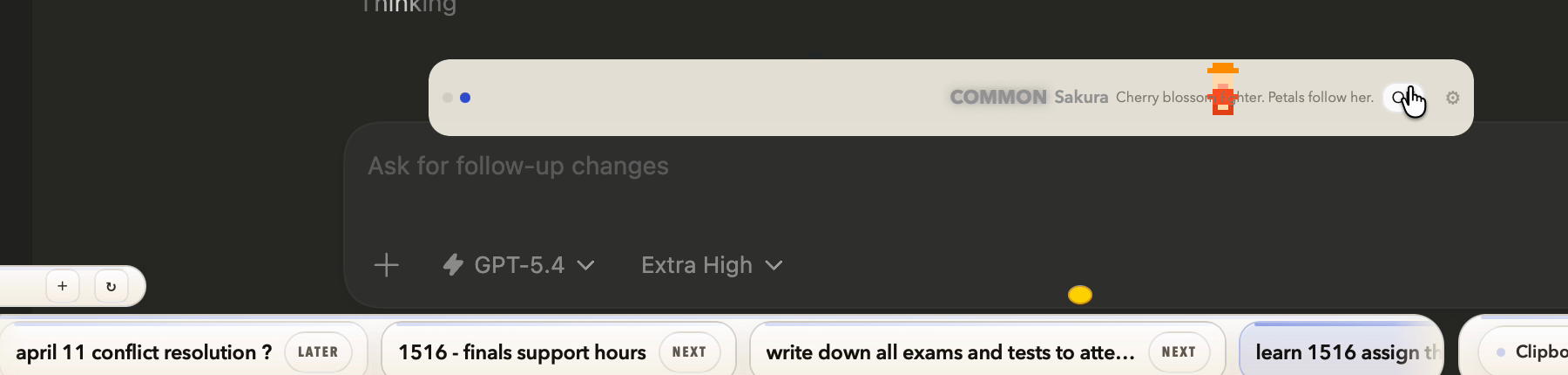
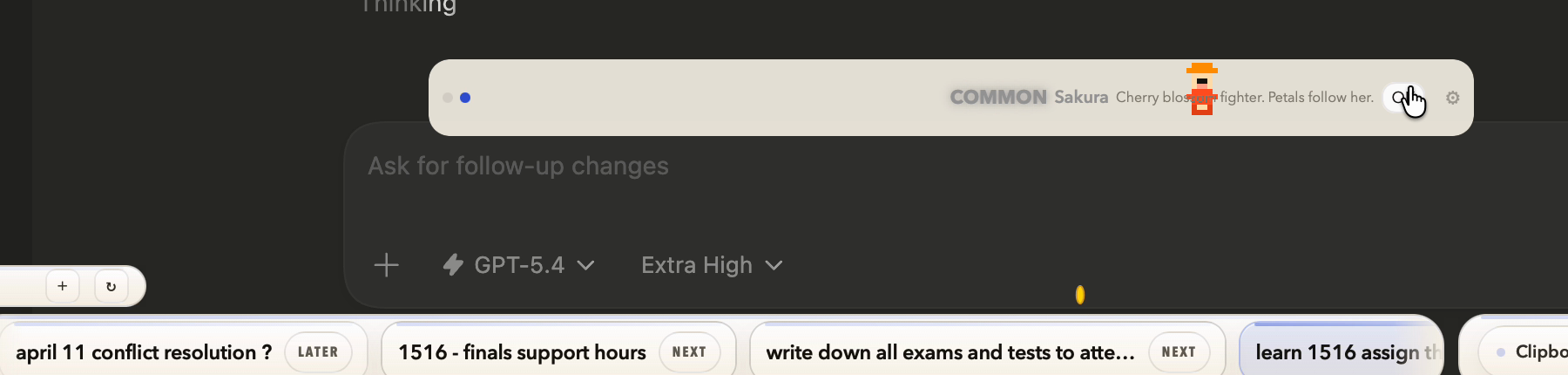
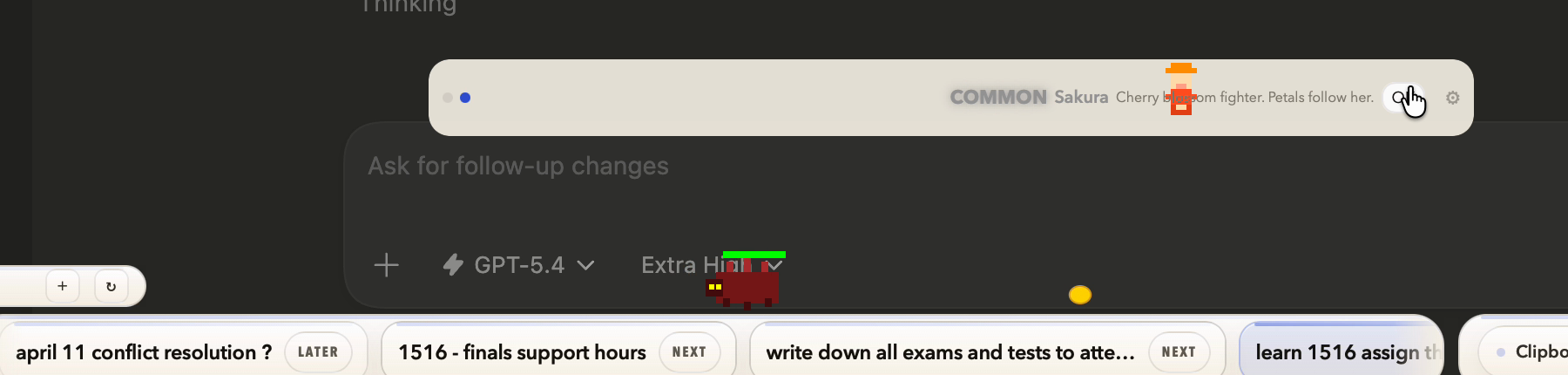
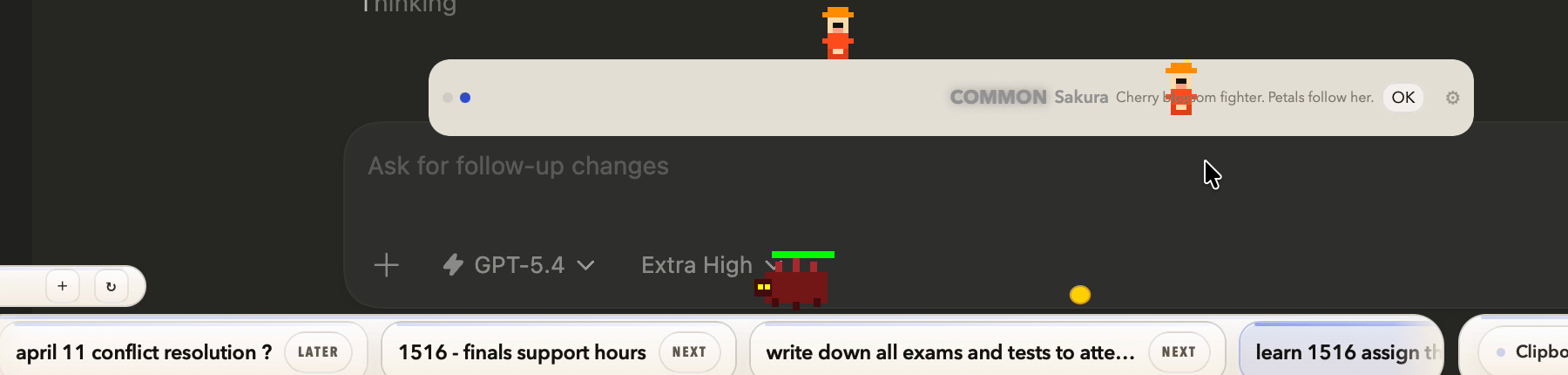
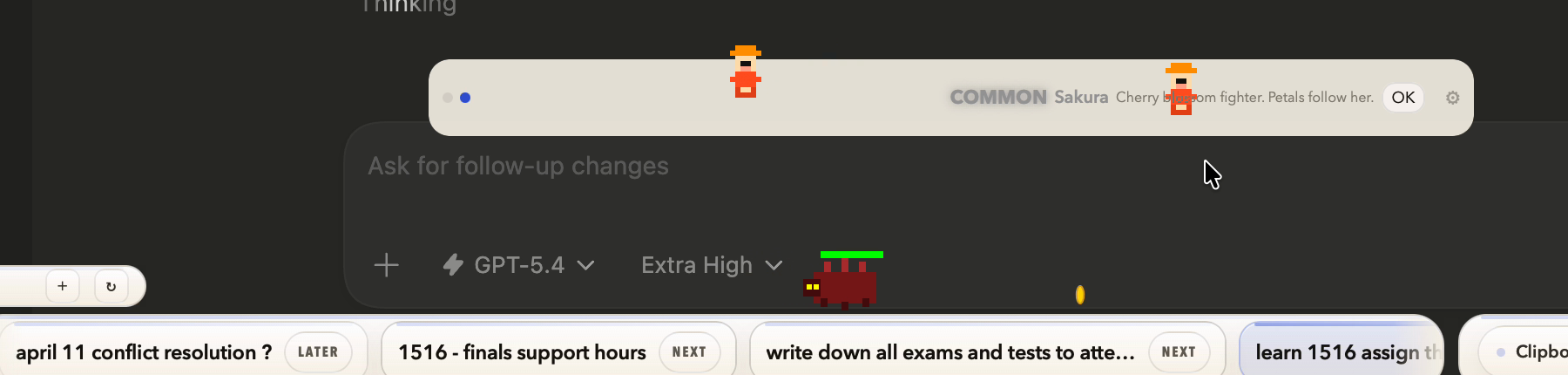
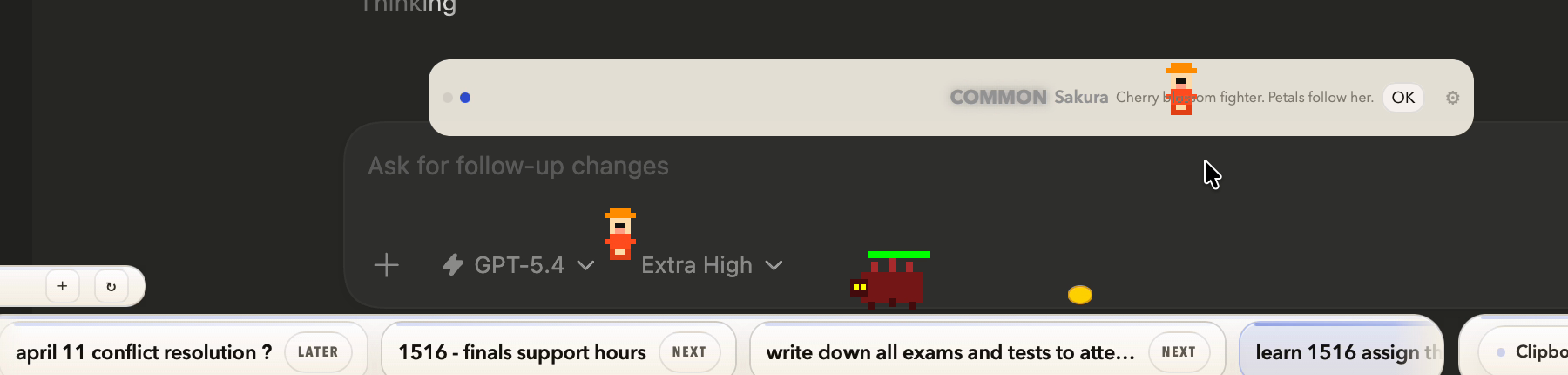
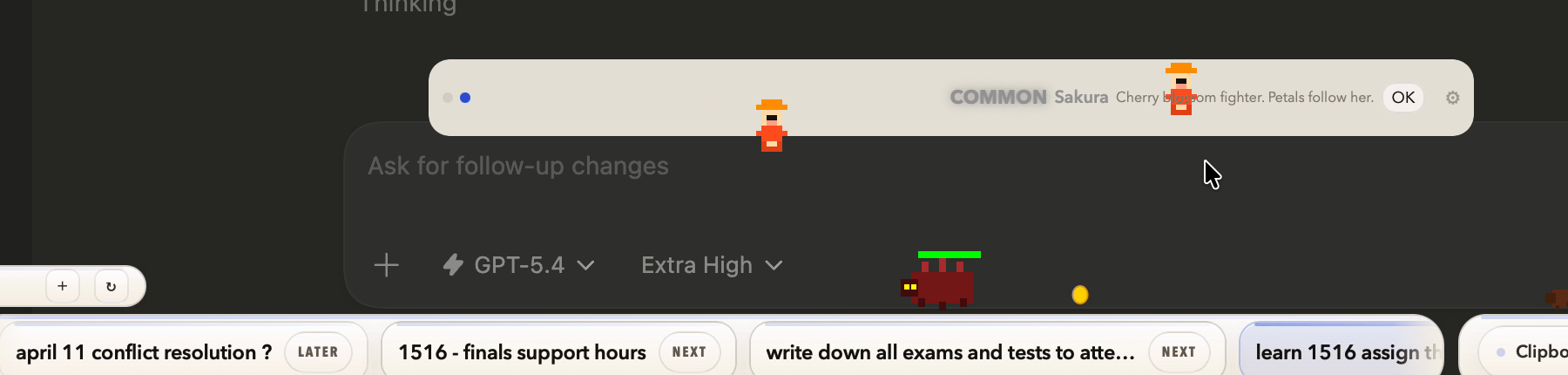
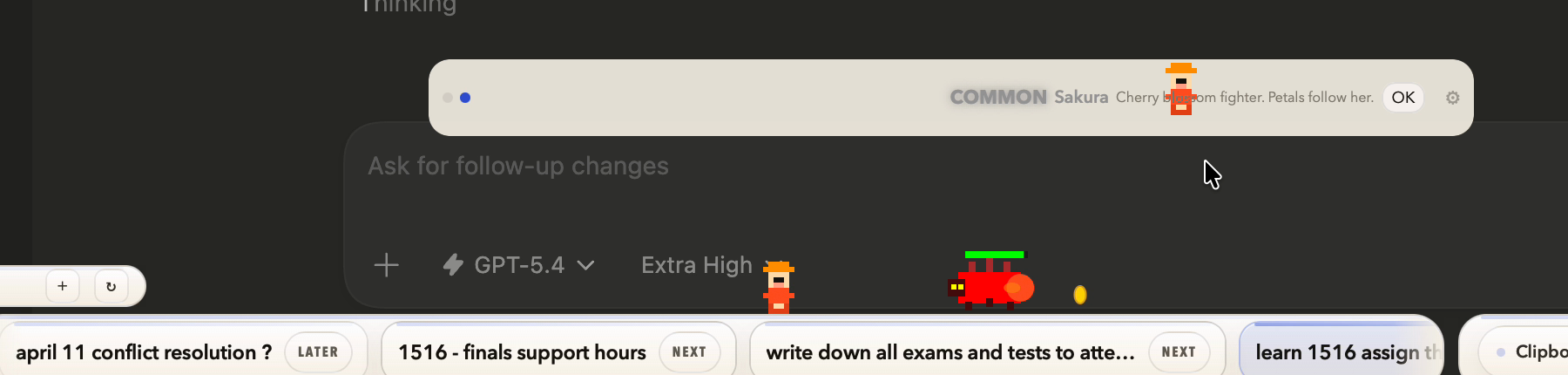
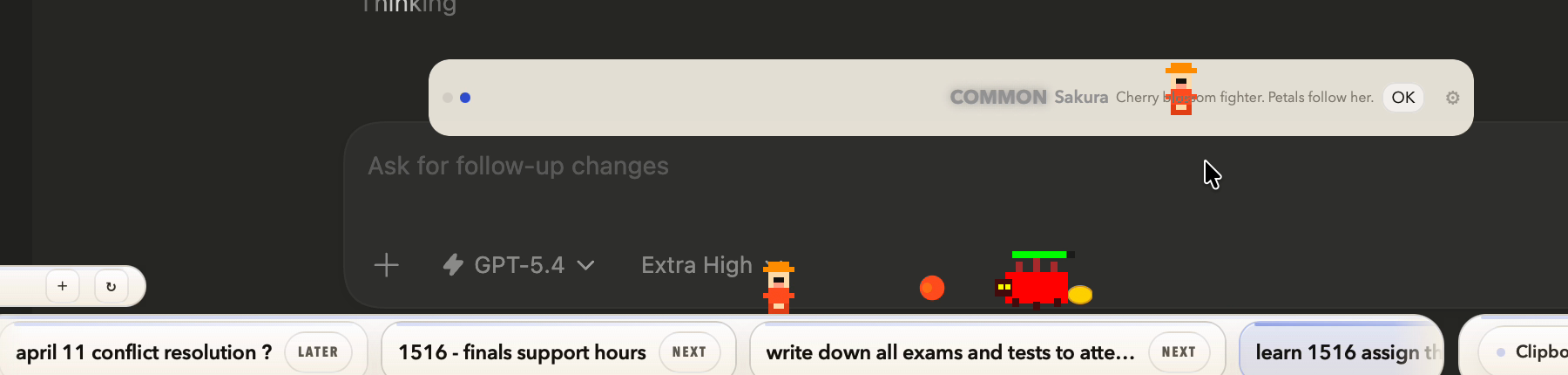
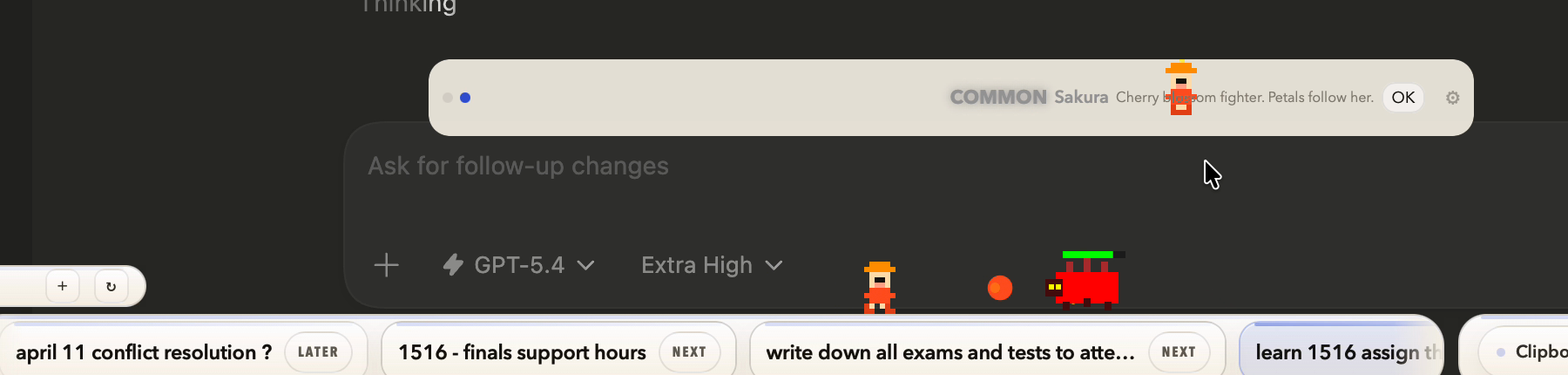
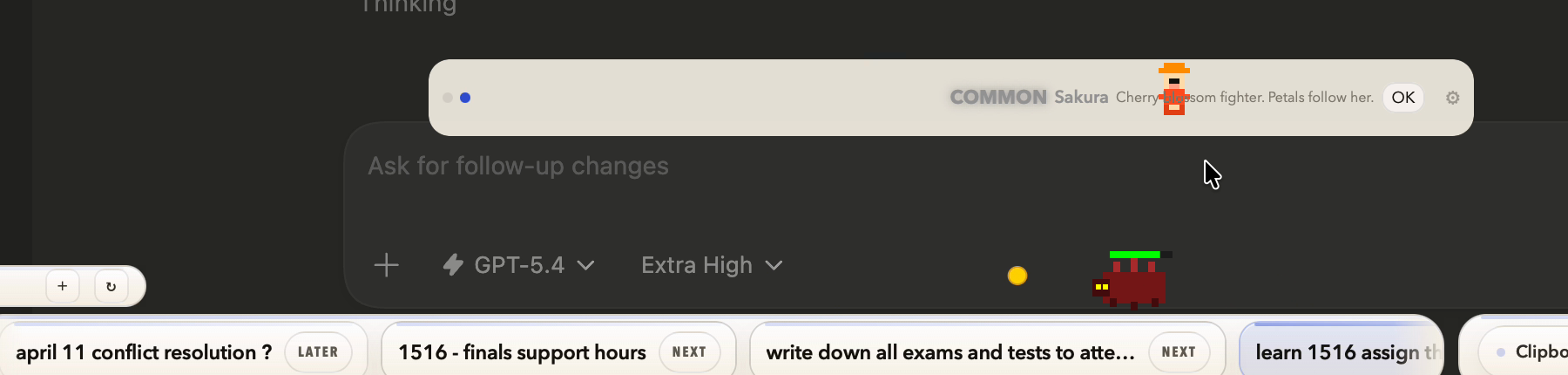
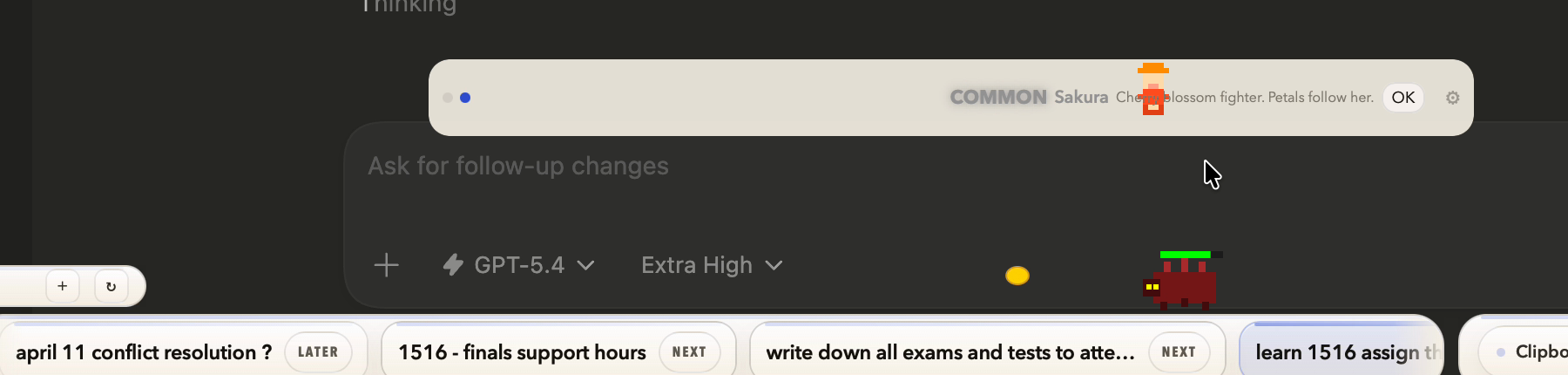
An 8-bit character that breaks out of the bar onto your desktop.
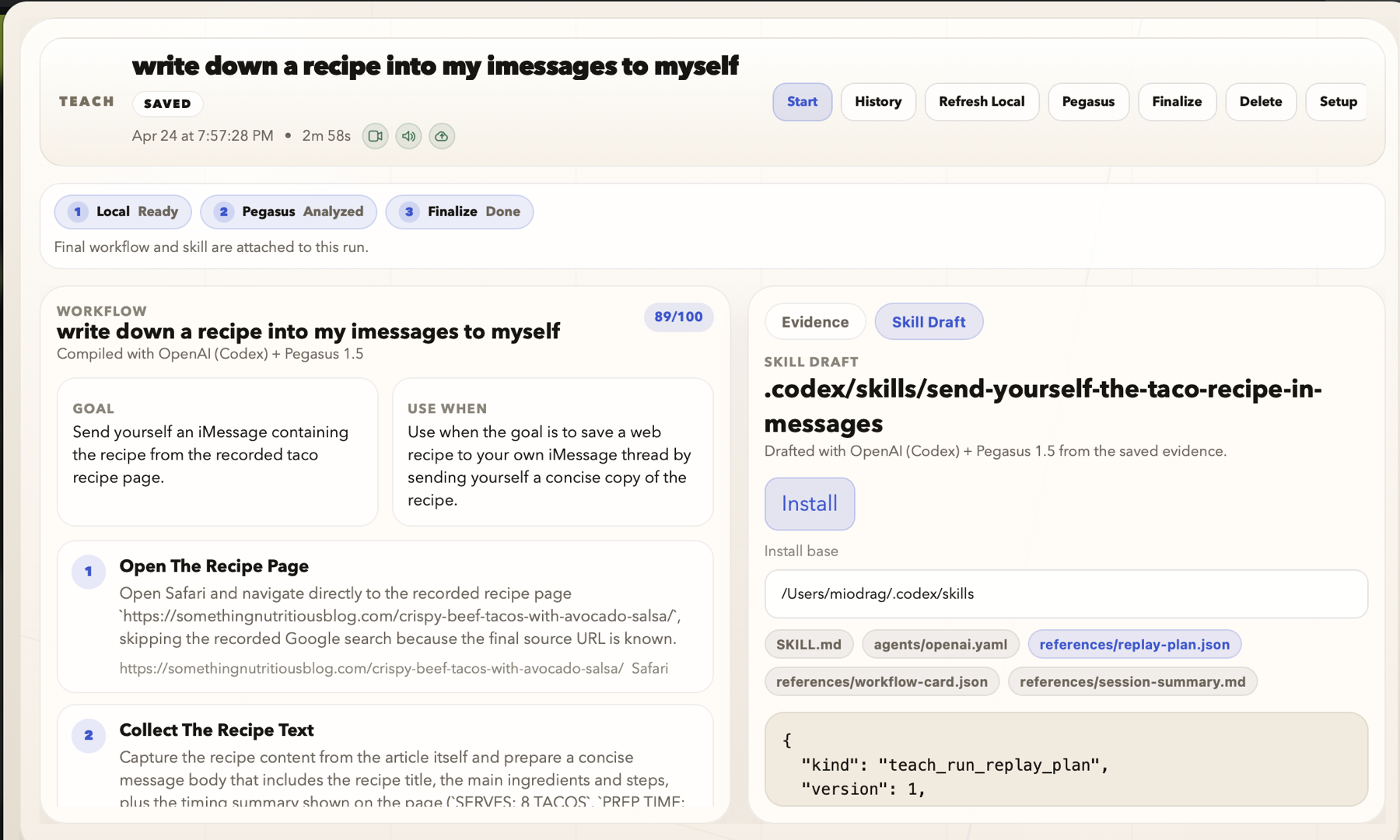
Record a desktop workflow, review the evidence, and turn it into an installable skill.
Common to Legendary in the gacha. The rest? Boss drops only.
Twelve visible heroes, from starters to legendary. The hidden drops stay hidden until the app reveals them.
Hit Play. Your desktop is the level.

Download the DMG. Drag to Applications. Right-click Open once. Then it lives at the edge of your screen.
Download SwiftNotes